Set Point A.
Enter the opening location directly or select it from a saved set of recurring locations.
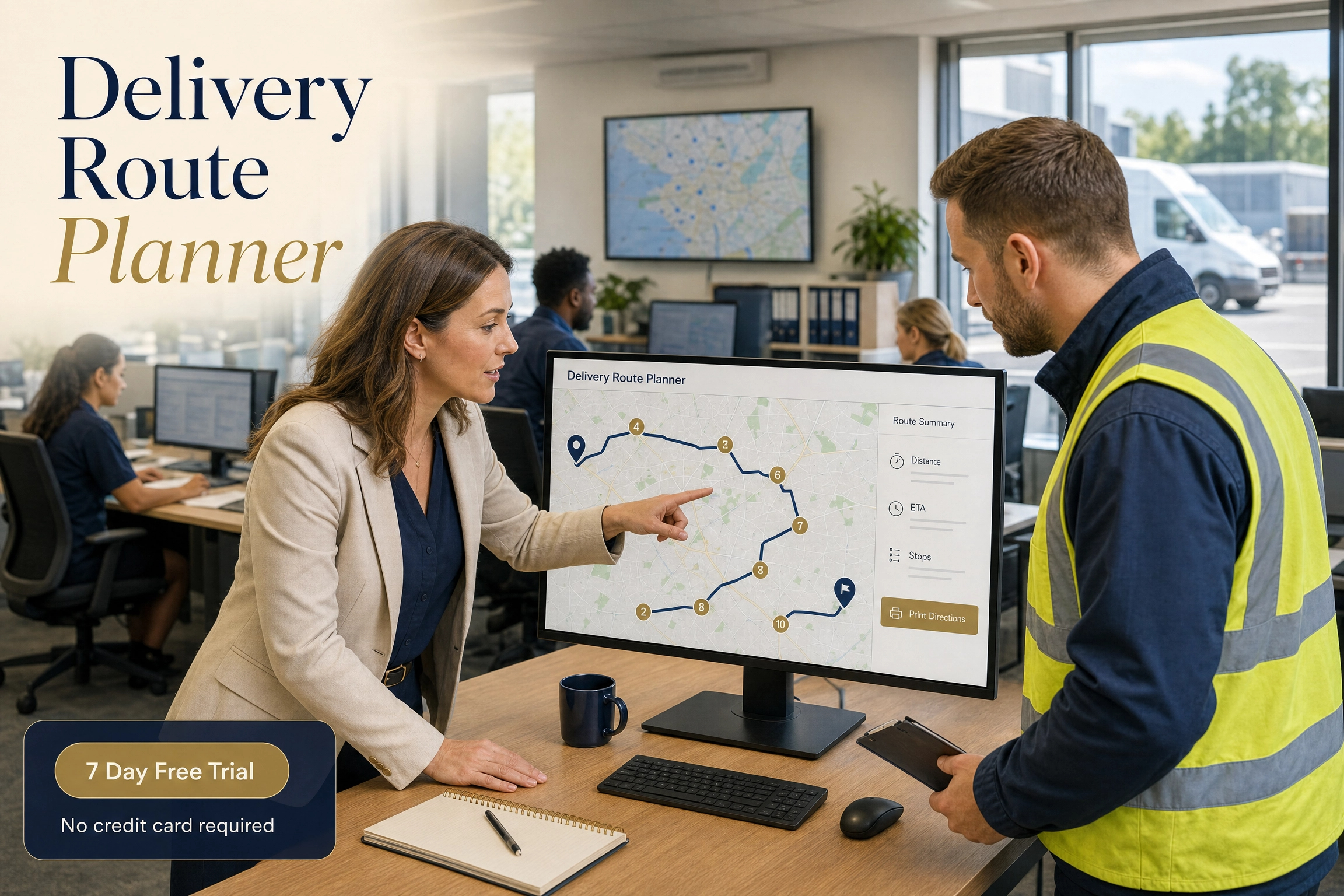
OfficeSystems route planning software helps dispatchers build multi-stop driving routes from a start point, ordered stops and destination. Save recurring delivery locations, then give drivers route distance, estimated arrival times and turn-by-turn directions.
No credit card required — full access for 7 days.
From route entry to a journey a driver can use
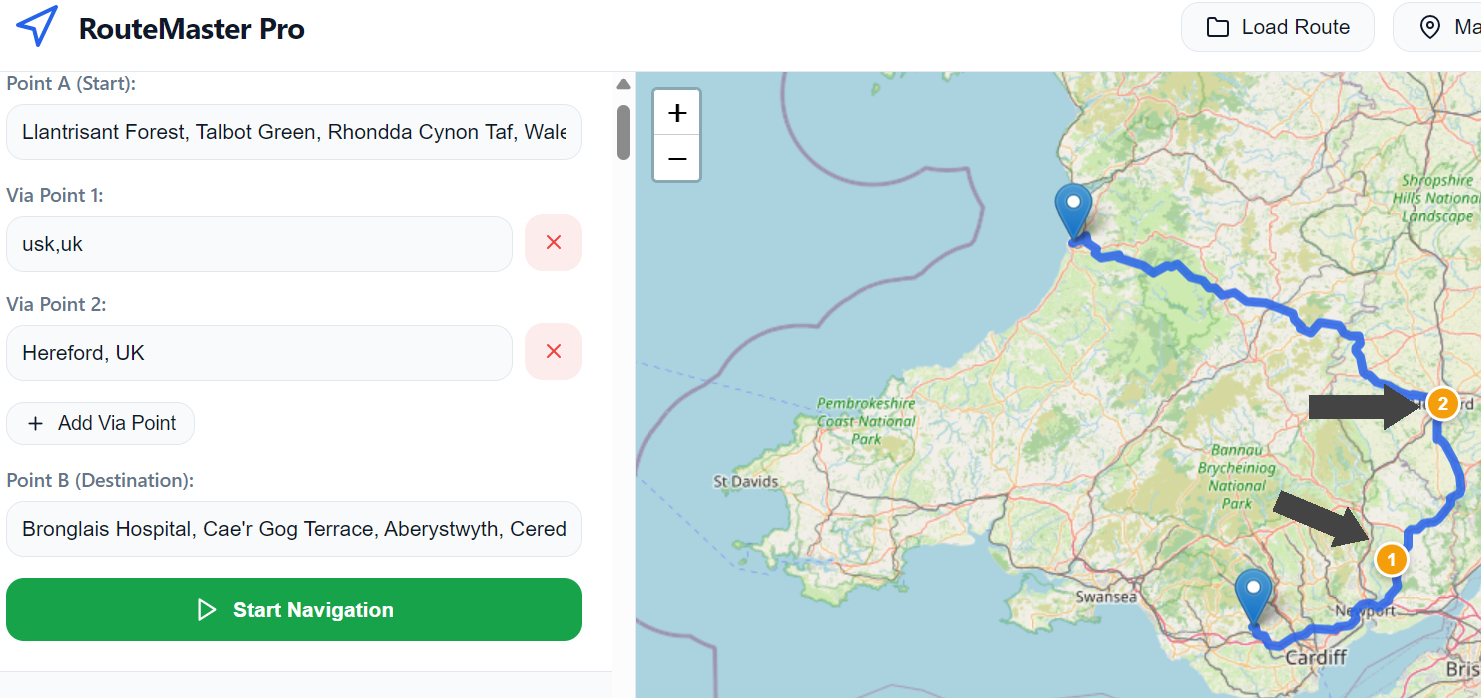
RouteMaster Pro is multi-stop route planning software with a clear Point A, Point B and optional via-stop workflow. Delivery stops remain in the order you choose, giving the driving route service a precise route sequence to resolve.
Enter the opening location directly or select it from a saved set of recurring locations.
Add, remove and relabel as many via-point fields as the journey needs; their entered order becomes the route sequence.
Geocode the locations, request the driving route, and place the returned route geometry and route markers on the map.
Use the Sat-Nav guidance, route summary and print flow to make the next delivery run clear.
Locations that remain useful after the first run
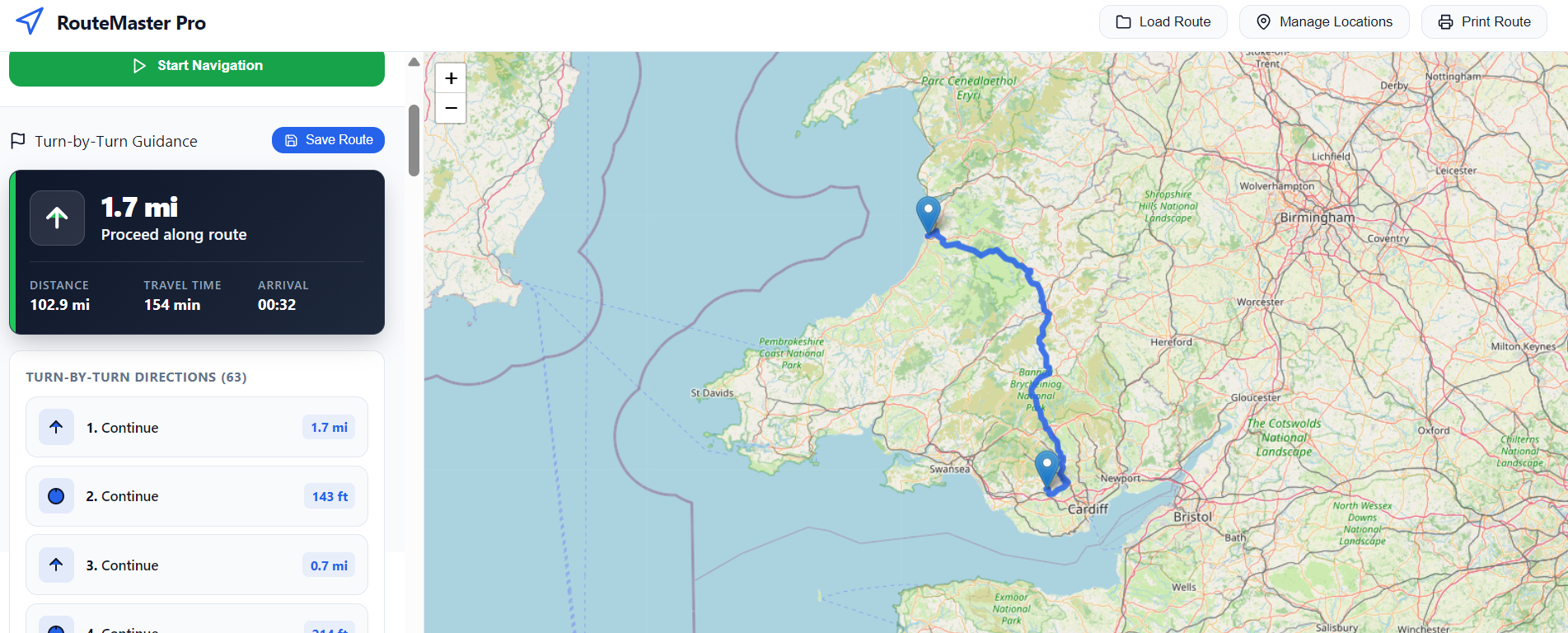
The Custom Locations workspace connects saved names and addresses to the delivery route planner. Keep common origins, customer sites, depots and destinations ready without re-entering the full address for each delivery route.
Add a name and address or city for a recurring operating location through the dedicated manager.
Update a stored name or address when a site changes, or remove it when it is no longer used.
Autocomplete applies across start, destination and every via-point field, matching either a saved name or address.
The route in its real geography
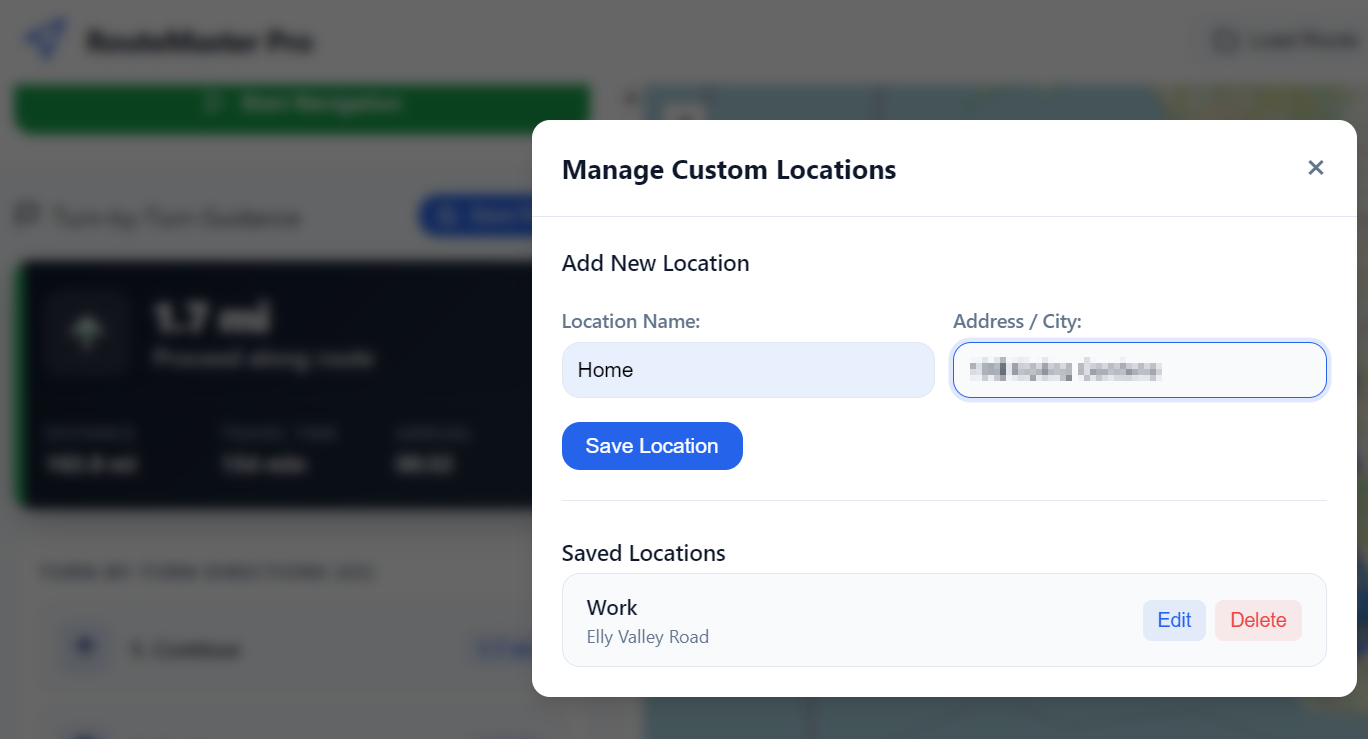
The delivery route planner geocodes location inputs, sends the ordered coordinates to the driving route service, then displays the route on an interactive map with start, destination and numbered stop markers.
Convert an entered address into geographic coordinates before a route is requested.
See the returned route geometry and map fitted to the current journey rather than relying on a list alone.
Start and destination are marked separately, while via stops receive numbered markers in the chosen order.
Guidance that starts with the next decision
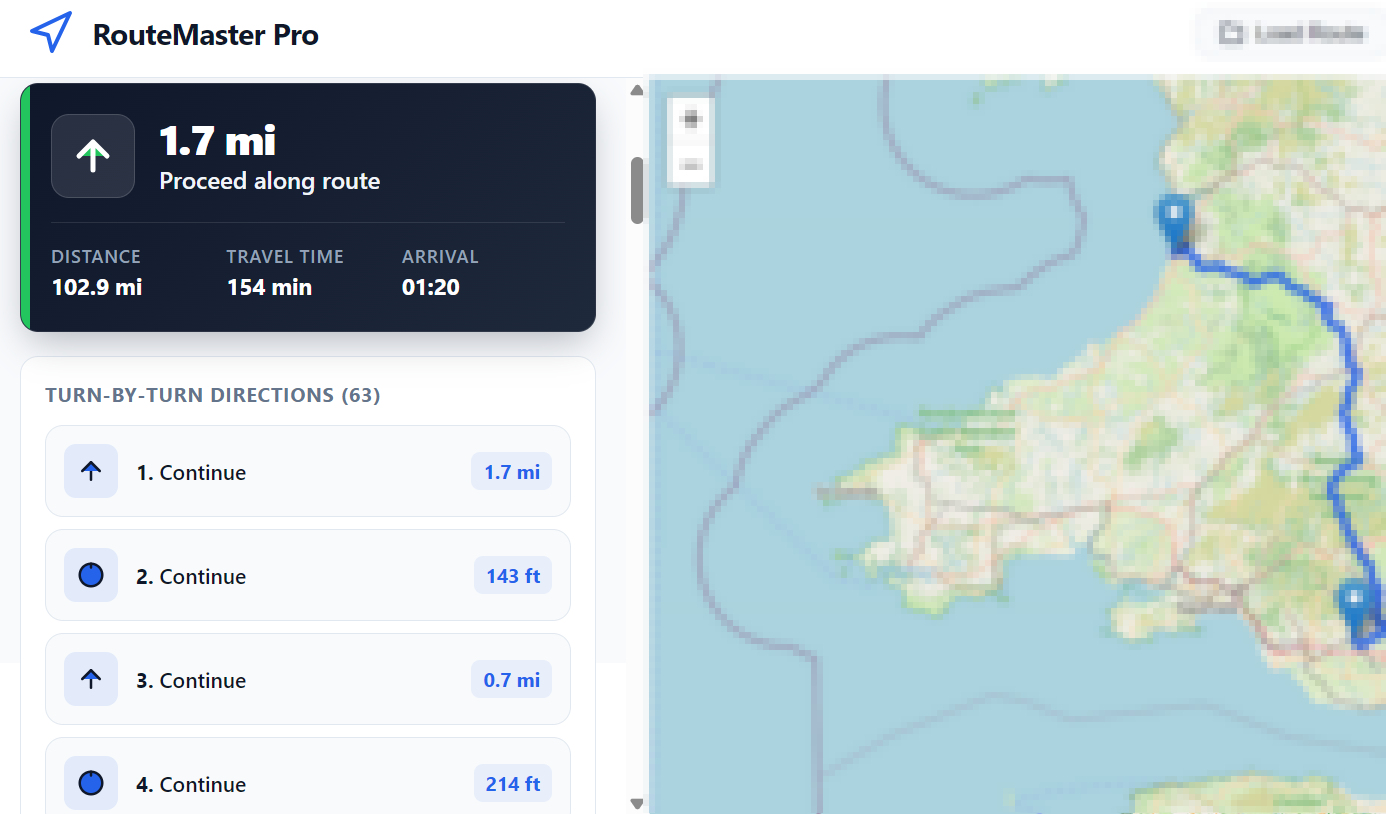
After a multi-stop route is calculated, the delivery route planner presents a Sat-Nav-style summary of the next manoeuvre and keeps the complete journey detail in a sequential turn-by-turn direction list.
Show the first route instruction and its distance as the primary action for the driver.
Report the total route distance, estimated travel time and a calculated arrival time in the navigation summary.
List each manoeuvre in order with the instruction, road name where supplied, and individual step distance.
A reusable route library
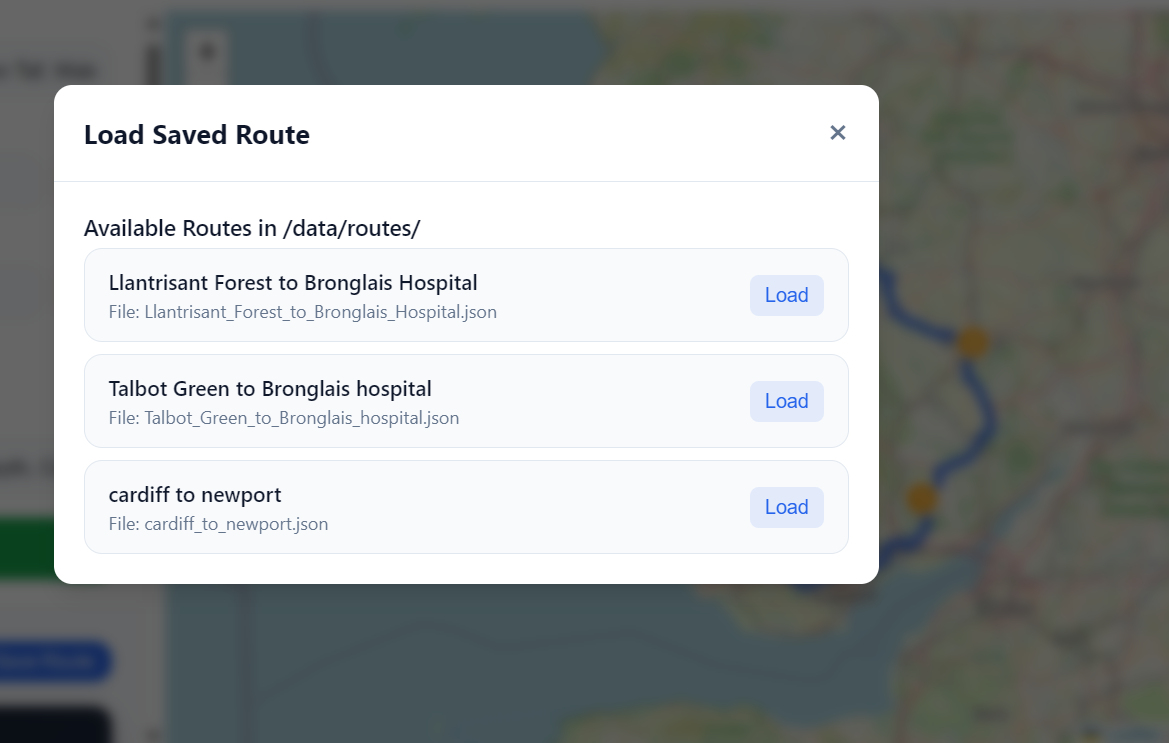
Once a route has been calculated, Save Route preserves the current delivery journey for later use. Load Route restores the saved multi-stop route, allowing regular runs to be reused, checked or updated without rebuilding from scratch.
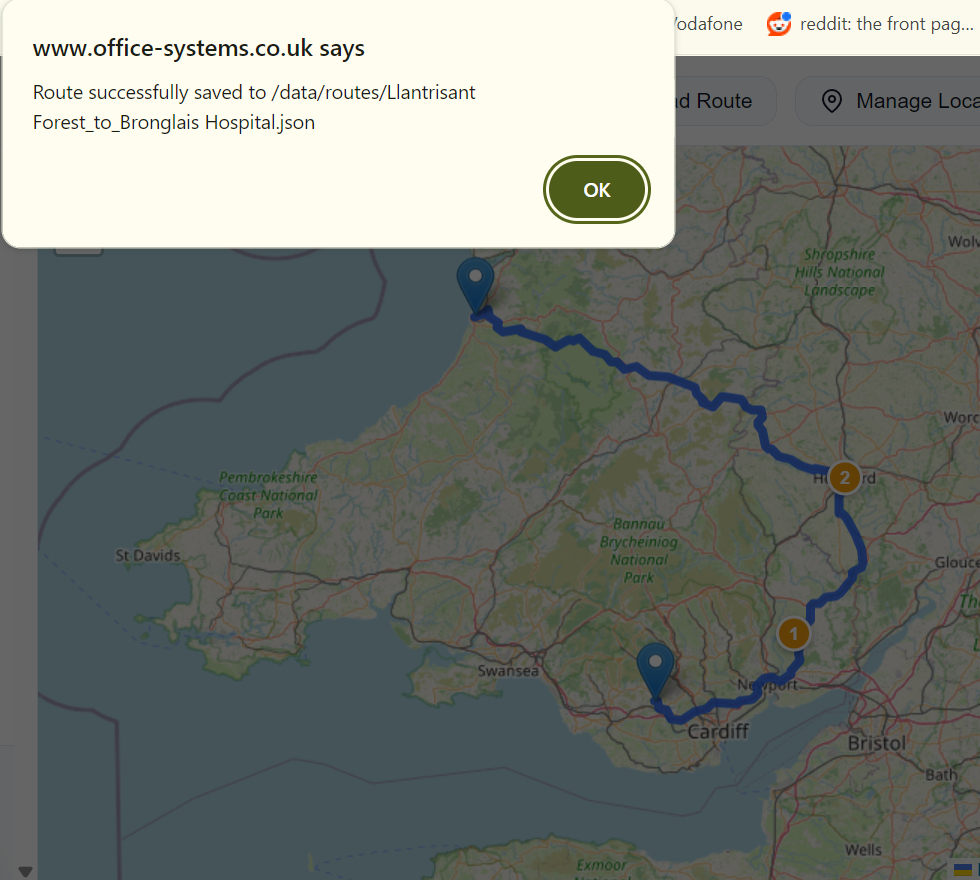
Select Save Route from the route guidance area to retain the current start point, ordered via stops, destination, route map, travel distance, estimated duration and turn-by-turn directions.
Select Load Route from the planner header, choose the required saved route from the available list, and restore its locations, markers, map geometry and Sat-Nav guidance in one step.
A loaded route is ready to use immediately. If the stops or addresses have changed, update the route, calculate it again, and save the revised result as the current route record.
A route record that can leave the screen
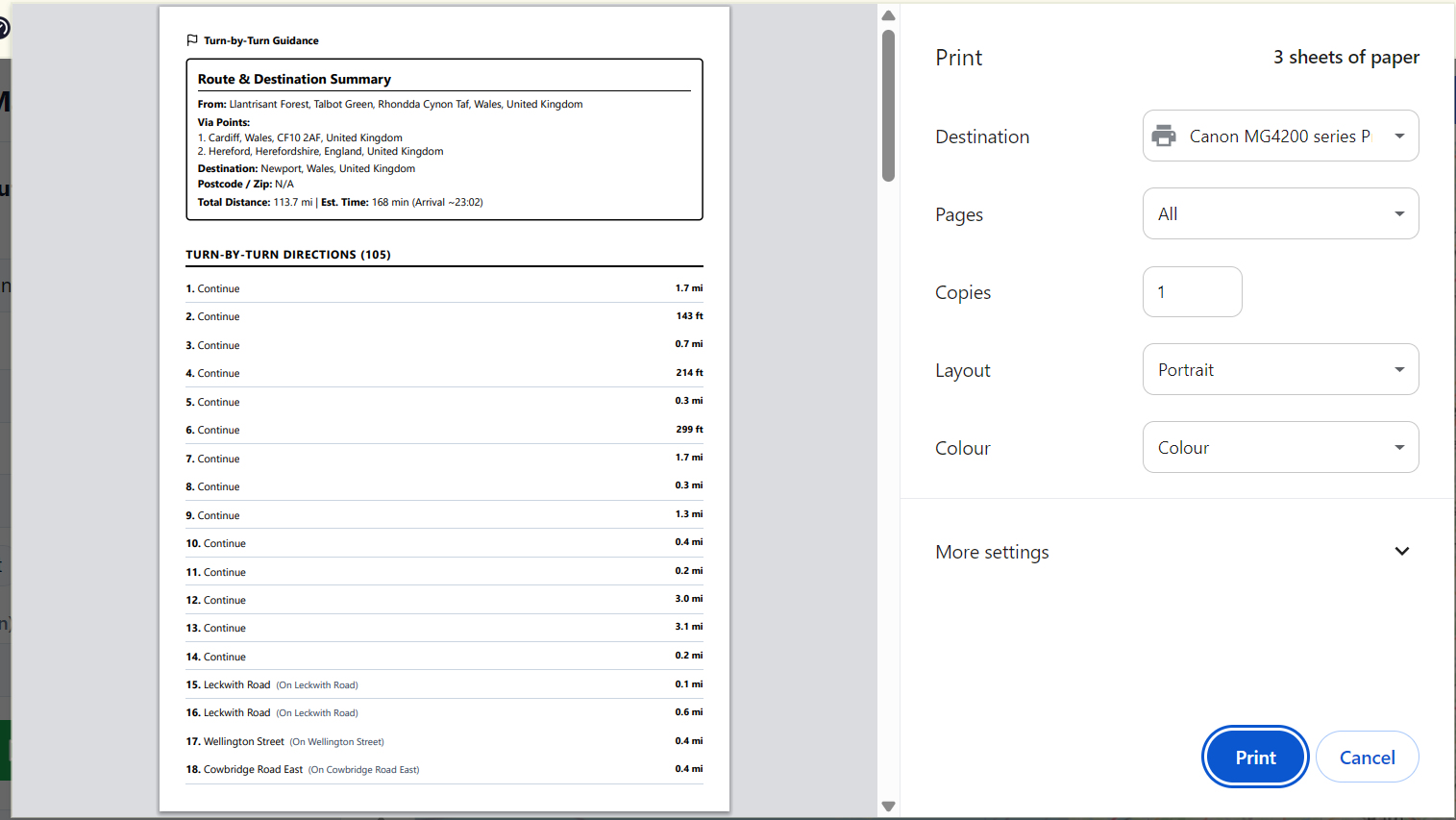
RouteMaster Pro keeps each delivery route practical beyond the interactive map. Its print view holds the start, destination, via stops, destination postcode, total distance, estimated duration and arrival time for driver handover.
Print the origin, chosen via stops, destination, and destination postcode alongside the calculated travel totals.
Use the browser print control to carry the current route guidance and journey record outside the planner.
When an address cannot be resolved or a driving route cannot be calculated, the planner returns the issue to the route result area.
Delivery Route Planner
Bring delivery location management, multi-stop driving routes, interactive map context, turn-by-turn guidance and printable route summaries into one delivery route planning workspace.
No credit card required — full access for 7 days.
The Delivery Route Planner guide covers locations, via points, route calculation, Sat-Nav guidance and printing directions.
Download Guide